UAT Test Management: Running Acceptance Testing in a QA Tool
A practical guide to managing user acceptance testing — scoping the cycle, giving business testers access without handing them a QA tool, tracking progress, and producing a sign-off record that still means something later.
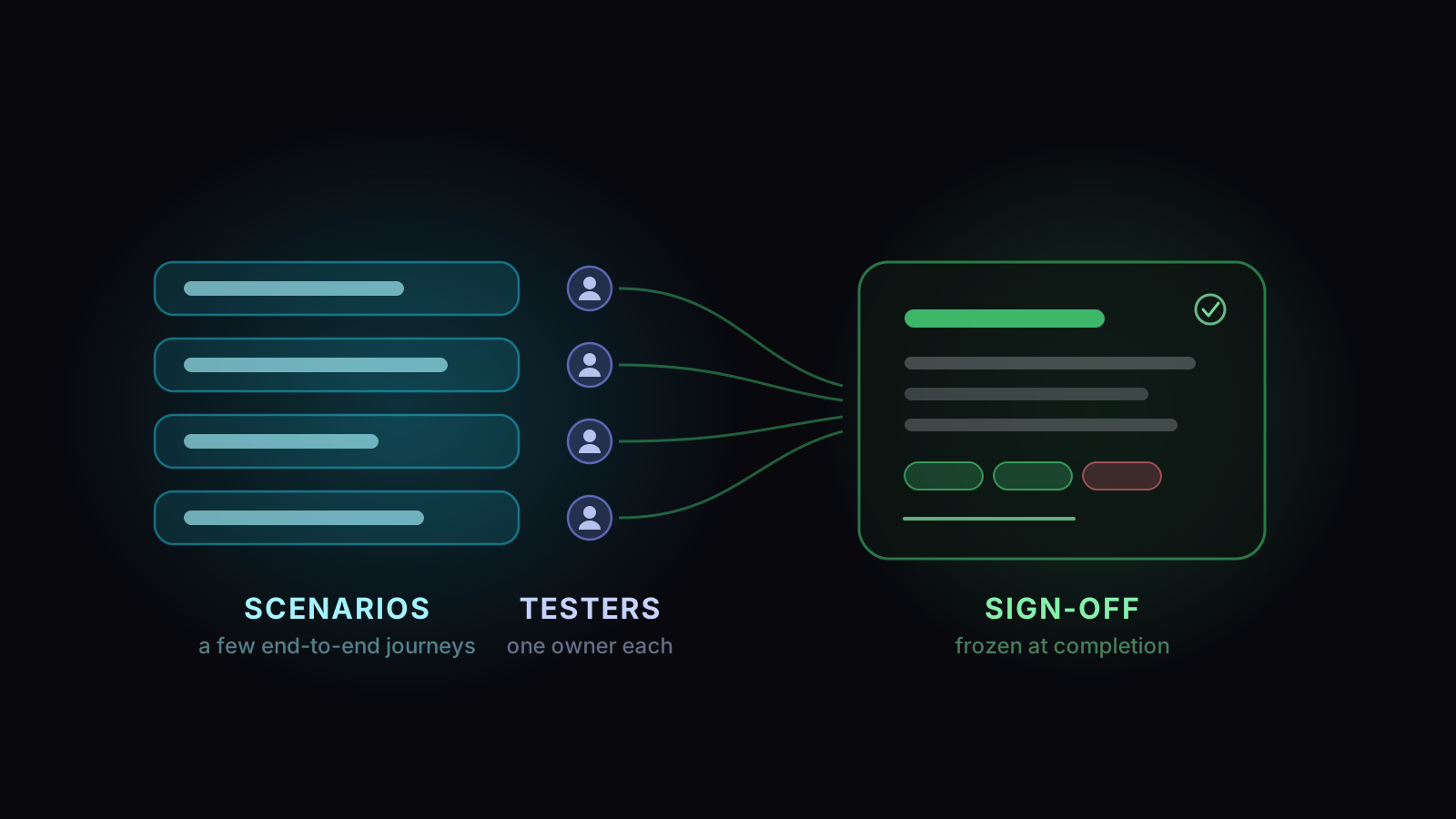
UAT test management is the practice of running an acceptance cycle as a tracked piece of work. That means scoping what business users will verify, giving them access without handing them a tool built for QA engineers, and following progress while it runs. It ends with a record of what was accepted that still reads correctly months later.
UAT rarely needs a module of its own. It’s assembled from the same parts a team already uses for controlled test execution — runs, roles, assignment, defects, sign-off reports — and the useful question is which parts, and where the fit genuinely stops.
Why UAT breaks the tools QA teams already use
Three differences do most of the damage, and none of them are about testing technique.
The testers aren’t testers
A UAT participant is an operations lead, a finance manager, a clinician. They use your product for a job, they were not hired to test it, and they are doing this on top of their actual work. Every minute spent learning a QA tool is a minute not spent on the thing you need from them — their judgement about whether the software matches how the work really goes.
That means the tool’s job during UAT is to be as close to invisible as possible.
The goal is acceptance, not defect discovery
QA testing is adversarial: you’re trying to find what’s broken. UAT asks a different question — is this good enough to put in front of our customers? — and the answer is a judgement, not a count. A UAT cycle that finds no defects can still fail, because the workflow it describes turned out to be wrong. A cycle with a dozen cosmetic defects can pass.
The output is a decision, not a report
When UAT ends, someone accepts the release on behalf of the business. That acceptance gets referenced later — in an audit, in a dispute about whether a behaviour was signed off, in a retrospective about a production incident. It needs to say what was tested, by whom, against what criteria, and on what date, and it needs to still say that a year later.
A UAT cycle that finds no defects can still fail. One with a dozen cosmetic defects can pass.
Scoping a UAT cycle
The most common UAT failure is scope. Hand business users the full regression suite and you’ll get a 30% completion rate and no signal.
Write the acceptance criteria before the cycle, not after
Decide up front what would make this a pass. All critical journeys complete? No open blockers? A defect budget for cosmetic issues? If nobody writes it down beforehand, the standard becomes whatever people feel on the day, and the sign-off records a mood.
Giving business users access without giving them the whole tool
This is where a QA tool either works for UAT or doesn’t, and it’s worth being concrete about how it works in practice.
The realistic model is a narrow role: someone who can open the run assigned to them, record a result, attach a screenshot, leave a comment and raise a defect — and who cannot create test cases, restructure folders, or change project settings. Expressing that permission set is the easy half — though “can execute but can’t reshape the run” turns out to be one of the permissions a plain create, view, edit and delete list can’t express. The real question is how much of the interface the business tester still has to navigate to reach the one run they were asked to work through.
Alongside that you usually want a read-only stakeholder — the sponsor who wants to watch progress and read the reports without touching anything.
Running the cycle
Once it’s scoped and people can get in, three things determine whether the cycle finishes.
Assign explicitly
Unassigned work in UAT does not get picked up — business testers won’t self-serve from a pool the way a QA team will. Assign each case to a named person, and make “unassigned” a state you can filter for and chase.
Finer-grained assignment matters more than it sounds. If a case runs against four different data sets, those are four separate pieces of work and may belong to four different people; a tool that can only assign the case as a whole forces you to split it by hand.
Make “blocked” an answer of its own
Business testers hit blockers constantly — missing permissions, absent data, an environment that lost its config. If the only options are pass and fail, blocked work gets recorded as a failure, and your defect list fills with things that aren’t defects. A distinct Blocked status, with a note about why, is what keeps the signal clean.
Watch remaining work, not pass rate
Mid-cycle, pass rate tells you almost nothing — it’s computed over whatever has been done so far, which early on is a biased sample of the easy cases. What actually predicts whether you’ll finish is remaining work, who holds it, and how much of it hasn’t been touched. One tester holding 40% of what’s left is the finding.
Capturing sign-off
The output of UAT is the part most teams improvise, and it’s the part that gets looked at years later.
A sign-off record worth keeping captures: what was in scope, what was executed and by whom, what passed and failed, which defects were raised and their state, what the acceptance criteria were, and the date. Crucially, it should be frozen — because if it recalculates, it stops describing the decision that was made.
That last point is the one people discover late. Defects raised during UAT keep moving after the cycle: they get closed, reopened, re-linked. A sign-off page that recomputes from live data will quietly disagree with the email that announced it.
How this works in Hawzu
Being direct, since this is the section that matters if you’re evaluating.
Hawzu doesn’t require a separate UAT module. UAT runs on the same parts as everything else — runs, roles, assignment, defects, sign-off reports — so acceptance evidence lands in the same place as the rest of your testing rather than in a parallel silo you have to reconcile at the end.
And there is no dedicated UAT run type or simplified business-tester interface. A business tester works in the same application a QA engineer uses, with whatever permissions you give them. If your priority is a polished, minimal experience for non-technical testers, that gap is real and worth weighing before you commit.
What you can build from the parts is genuinely workable. The Project Member role is a usable UAT tester: execute runs, set statuses, comment, upload attachments, raise defects — and nothing that lets them reshape the project. Project Viewer is the read-only stakeholder, with access to every report. Or build a custom role granting exactly execute tests, view test cases and create defects, and nothing else — executing is its own permission, separate from editing the run, so that combination is expressible rather than approximated.
Assignment is unusually fine-grained. Work is tracked per test case per data set, so a case with four data sets is four independently assignable, independently statused pieces of work. The run’s list filters by assignee including Unassigned, and assignment raises an in-app notification for the person receiving it. There’s also Smart Assign, which spreads unassigned cases across a set of people in one action. It favours people who have recently run or written similar cases, gives fewer to anyone already carrying a lot, and keeps a folder’s cases together so one person tends to get related work. It isn’t AI: the same inputs give the same result every time.
Progress is reported as remaining work. The run’s analysis view reports active executors, unassigned remaining, work that’s been assigned but untouched, each person’s share of what’s left, and flags concentration risk when one person holds too much. Note what it is not: there’s no per-tester pass/fail scoreboard inside a run.
Sign-off is a report, not a workflow. Completing a run produces a sign-off PDF with the executive summary, explicit pass/fail gates, coverage by source, top failing tests and defect aging — and defect figures are locked when you complete the run, marked with an “as of” date, so the document doesn’t drift as defects move afterwards. Defects can still be linked later; they just don’t rewrite the frozen view.
But there is no approval step. No approve/reject button, no sign-off request, no e-signature, no “signed by X on Y” field. The report is a document you download and attach to whatever your organisation treats as the system of record. If you need a routed approval with an audit trail of who clicked it, that lives in your ticketing or compliance tool, not here.
Roles, and what each one can see
Key takeaways
- UAT differs from QA testing in who tests, what the goal is, and what the output is. The output is a decision, and it needs to survive being re-read later.
- Scope to end-to-end journeys in business language, short enough to actually finish. Full regression suites do not get completed by part-time testers.
- Write the acceptance criteria before the cycle. Otherwise the sign-off records a mood.
- Plan for accounts: Hawzu has no guest or anonymous access, so every participant needs an invited user with a narrow role.
- Assign explicitly, keep Blocked distinct from Failed, and track remaining work rather than mid-cycle pass rate.
- Make sure the sign-off record is frozen. A page that recalculates stops describing the decision that was made.
Common questions
What is UAT test management?
How is UAT different from QA testing?
Do UAT testers need their own accounts in the test management tool?
Should UAT results live in the same tool as QA testing?
What should a UAT sign-off document contain?
Can you get an approval workflow for UAT sign-off?