Regression Testing Management: Keeping a Suite That Only Ever Grows
A practical guide to managing a regression suite — deciding what belongs in it, organising it so people can find things, choosing what to run each cycle, and handling flaky tests before they cost you trust.
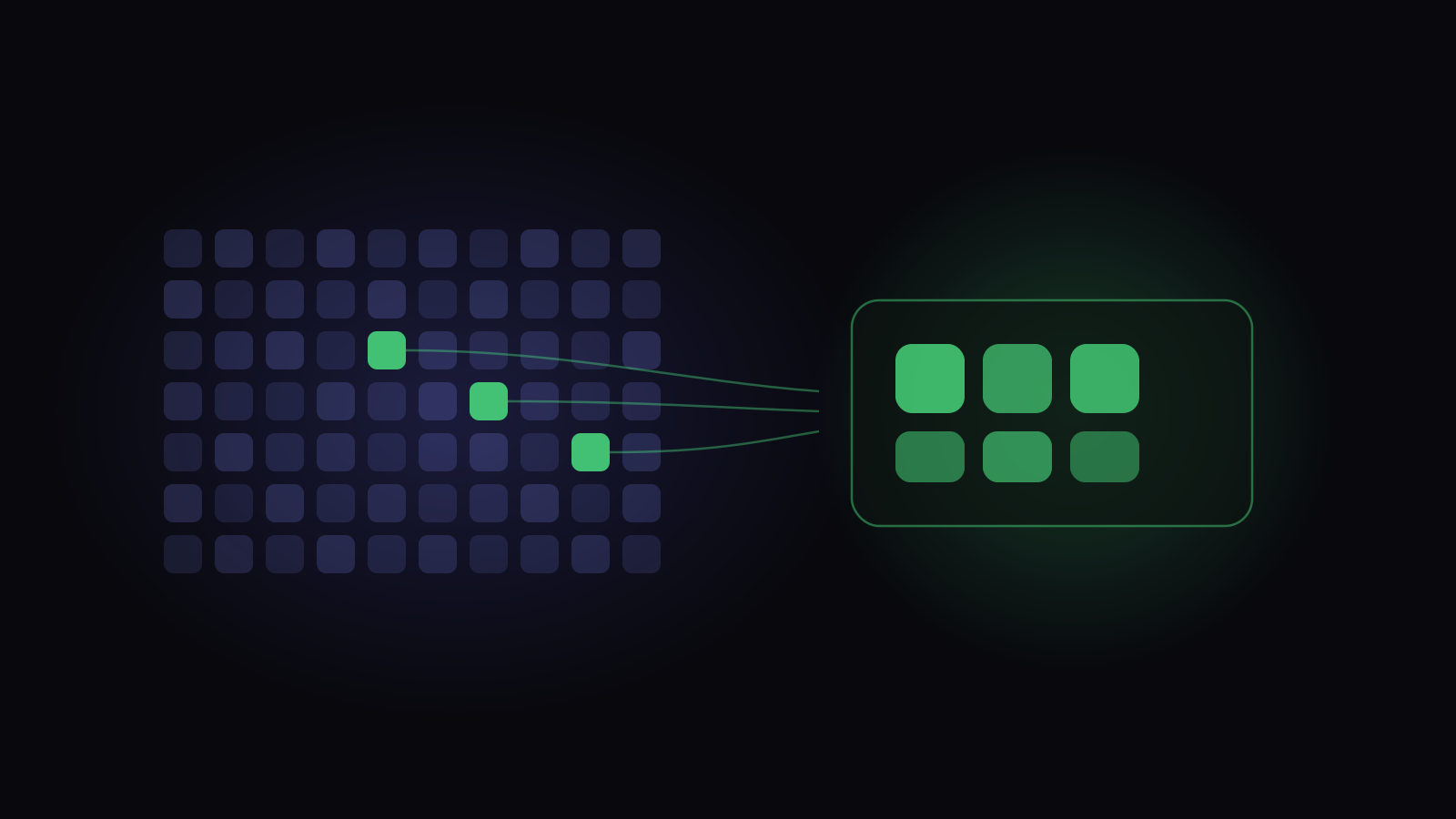
Regression testing management is the practice of keeping a growing body of repeatable tests useful — deciding what earns a place in it, organising it so people can find things, selecting what actually runs in a given cycle, and retiring or repairing the tests that have stopped telling you anything.
The tests themselves are rarely the hard part. The hard part is that a regression suite only ever grows. Every release adds cases; almost nothing removes them. Two years in you have four thousand tests, a six-hour run, and a team that has quietly stopped reading the failures.
What actually goes wrong with a regression suite
The failure is gradual, which is why it’s easy to miss until it’s expensive.
It only grows
Adding a test is a small, obviously-good act. Deleting one is a small act that feels risky and gets no credit — nobody has ever been thanked for removing coverage. So the suite only ever moves one way, and it accumulates tests for features that shipped and were removed, for bugs fixed three years ago, and for flows that three other tests already cover.
Nobody knows what’s in it
Once a suite passes a few hundred cases, no individual holds a mental model of it. People stop asking “is this already covered?” because answering takes longer than writing a new test. Duplication becomes the default, and every duplicate adds runtime and maintenance without adding information.
The results stop being trusted
This is the one that actually kills a suite. A handful of tests start failing intermittently. Nobody has time to fix them, so the team learns which failures to ignore. That habit doesn’t stay local — once “some failures are just noise” is true, a red result stops being self-explanatory and starts needing someone to work out which kind it is.
Deciding what belongs in regression
The useful question isn’t “is this test good?” — it’s “what would we lose if this test didn’t exist?” A regression suite is a bet about which breakages would hurt most, and it should be small enough that the bet is deliberate.
Everything else can still exist — as an exploratory charter, a one-off verification, a test that runs nightly rather than per-change. Not every test needs to be in the gate.
Give it a retirement path
The thing most teams never build is the exit, which is the whole reason a suite can only grow.
- The feature is gone
- The risk has been designed out
- Two years green, on a path a hundred other tests touch
Decide those conditions in advance, then schedule the review: a suite audit once a quarter, timeboxed to an hour, is more effective than a heroic cleanup nobody ever starts. The reason a quarterly cull is safe to run at all is that retiring a test shouldn’t touch the runs that exercised it — worth confirming in your own tool before the first audit.
Organising it so people can find things
There are two ways to group tests, and teams routinely reach for the wrong one when building a regression set.
Folders describe where a test lives
A folder hierarchy mirrors the product: Checkout, Accounts, Reporting. It’s the right structure for authoring — when you’re writing a test, you know where it belongs, and when you’re auditing coverage of an area, you want everything in one place.
It’s the wrong structure for regression, because regression isn’t a region of the product. It cuts across all of them.
Suites describe why a set of tests runs together
A test suite is a named, reusable set that draws from anywhere in the tree. “Smoke”, “Payments regression”, “Pre-release critical path” — none of those map to a folder, and all of them are the actual unit you want to run.
Labels are for the axes you didn’t anticipate
Folders are one hierarchy and suites are curated lists; labels are how you slice
by anything else — flaky, slow, needs-data, browser-only, owner:payments.
The rule that keeps a label scheme usable is to have a small vocabulary and write
down what each one means. A label nobody can define gets applied inconsistently
within a month, and an inconsistent label is worse than none because people trust
it.
Choosing what to run this cycle
Running everything every time is the simplest policy and it stops scaling. Here’s the honest trade-off between the common strategies.
Most teams land on a layered answer rather than picking one:
- A smoke set small enough to run on every change — minutes, not hours. Its job is to catch catastrophic breakage immediately, not to be thorough.
- A risk-selected set for each release, chosen from what changed, what has broken before, and what the release actually touches.
- The full suite on a schedule — nightly or weekly — where a six-hour runtime costs nobody anything, and where the tests that the risk-selection missed still get exercised.
The layering matters more than the exact split. A single suite that has to be both fast and thorough will end up being neither.
Dealing with flaky tests
A flaky test is one whose result changes without the thing it tests changing. They’re not a nuisance — they’re the direct cause of a team ignoring failures, so they deserve a policy rather than a backlog.
Tracking whether the suite is working
The two everybody reports: suite size and pass rate. Neither tells you much on its own — one counts effort, the other is dominated by tests that were always going to pass.
The four worth reporting instead:
- Escaped defects — bugs found in production in an area the suite covers. This is the only direct measure of whether regression is doing its job.
- Flaky rate — what share of failures turn out not to be real. Above a few percent, trust is eroding.
- Runtime trend — not because fast is good in itself, but because a suite that has doubled in runtime and caught the same number of regressions has halved in value per minute.
- Automation that no build has run. Cases marked automated that no pipeline has actually executed are either automation that quietly broke or automation that never existed. Either way they inflate your coverage number, and the inflation compounds silently.
How this works in Hawzu
Hawzu keeps the two groupings separate on purpose, in almost exactly those terms: folders organise where a test case lives, test suites organise which cases run together. A case sits in one folder and can belong to many suites, so a “Payments regression” suite pulls from six folders without distorting either view. Labels and repository filters handle the remaining axes.
The useful part for regression is that a suite can be filter-based rather than hand-picked — built from priority, severity, test type, automation status, requirements, labels, folder or a custom field — and that selection stays live. A suite defined as “high-priority payments cases” absorbs new matching tests as they’re written, which is the one mechanism that stops a curated regression set from silently going out of date the week after someone curates it.
To be exact about a limit: you can’t type a filter directly into the run builder. Runs are assembled from manual selection, requirements, or suites — so the pattern is to express the query once as a filter-based suite and add that suite to each cycle’s run.
On flaky tests, the classification is deliberately three-way rather than a single cut-off. Once a case has enough recent runs, it’s stable if it rarely fails, unstable if it fails most of the time, and flaky only in between. That middle band is the only one called flaky, which matters: a test that fails nine times in ten isn’t noisy, it’s consistently broken, and it needs a bug fix rather than a quarantine. The report also counts flips between pass and fail, separates probable breakages (a failing streak or an open defect) from genuine flakiness, and shows which folders are least stable so you can see where the noise concentrates.
For the automation-reconciliation number, look at the Coverage report rather than Automation Health: it shows what pipelines actually ran beside what your test cases claim, splitting out stale automation — cases marked automated that no build has run recently (30 days unless you change the window) — and cases a pipeline runs that the field still says are manual. The difference between the two columns is the finding.
And because a run holds a frozen copy of each test case rather than a live link to it, cleaning up the repository doesn’t rewrite history. Retiring two hundred obsolete regression tests leaves every past run intact and readable — which removes the main practical reason teams never prune.
Building a regression suite
Key takeaways
- Regression suites only ever grow unless you build an explicit retirement path. Decide in advance what makes a test leave.
- Keep folders as the product map and use suites for the sets that actually run
together. A
Regressionfolder breaks your coverage view. - Layer smoke / risk-selected / full rather than trying to make one suite both fast and thorough.
- Flaky tests need a policy — detect mechanically, quarantine with an owner and a deadline, fix the cause. A known-flaky tail costs you every result, not just the flaky ones.
- Track escaped defects and flaky rate. Suite size and pass rate flatter you.
Common questions
How often should a regression suite be run?
How big should a regression suite be?
What's the difference between regression testing and smoke testing?
Should regression tests be automated?
How do you stop a regression suite from becoming unmaintainable?