Manual Testing Documentation: Writing for the Person Who Isn't You
A guide to documenting manual tests so they survive being handed over — how much detail is right, what belongs in a test case, and the reuse tools that stop maintenance from eating the suite.
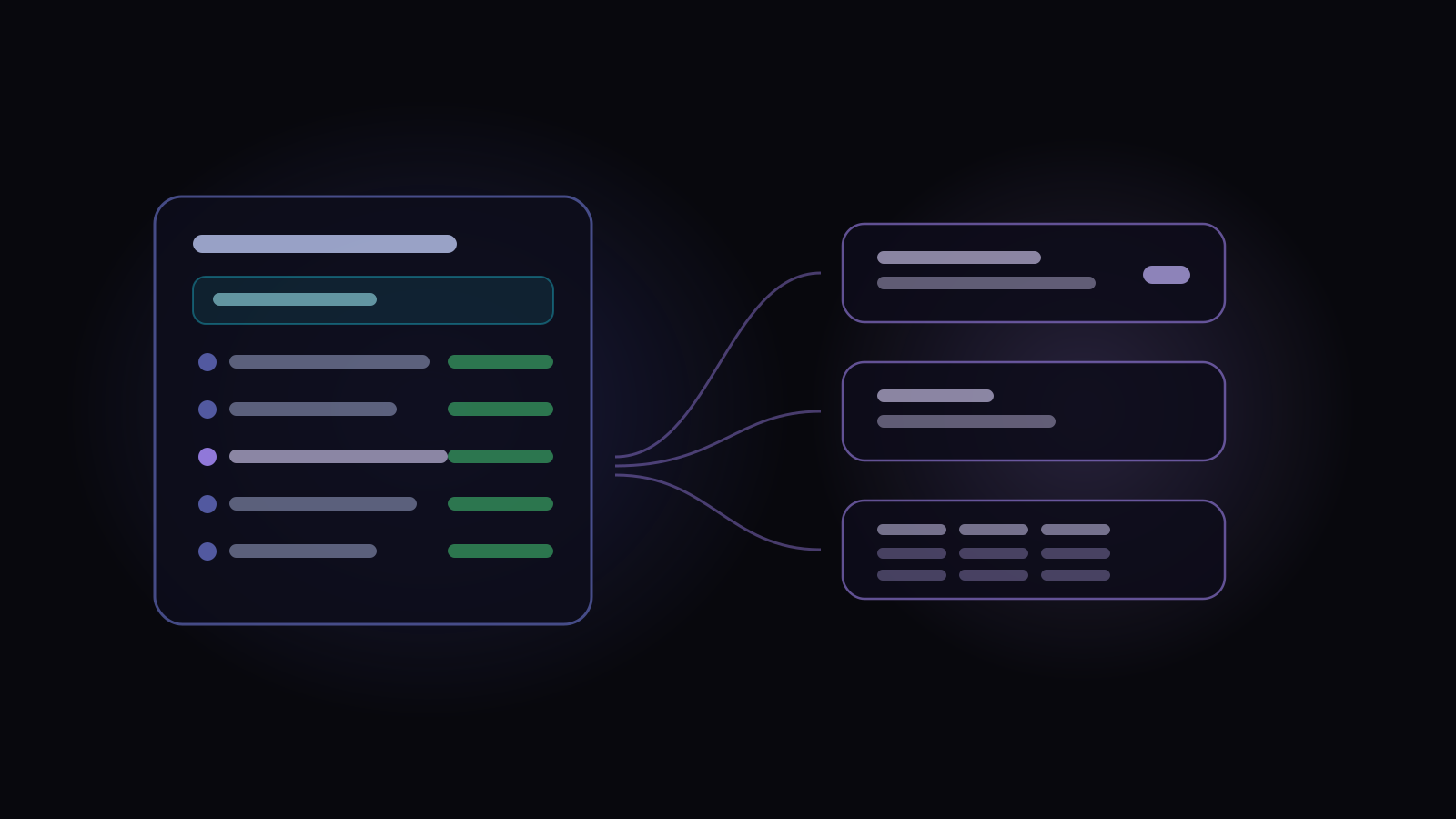
Manual testing documentation is a set of instructions precise enough that someone other than the author can follow them and reach the same conclusion. That’s the whole bar, and almost every decision about how much to write follows from taking the second half of it seriously.
The person you’re writing for isn’t you and isn’t today. It’s a new joiner in eight months, a contractor during a crunch, or you after a year on another product. Documentation that only works for someone who already knows the system isn’t documentation — it’s a memory aid, and it fails silently at exactly the moment it’s needed.
How much detail is actually right
The most common argument in QA is between fully scripted cases and lightweight charters. Both camps are right about the other’s failure mode.
A fully scripted case — click here, type this, expect that — can be run by anyone and proves exactly what was checked. It also breaks the moment a button moves, and a suite of them becomes a maintenance job that quietly consumes the time you meant to spend testing.
A charter — “explore checkout with expired cards, focus on error messaging” — survives redesigns and finds things scripts never would. It also can’t be handed to someone unfamiliar, and it’s weak evidence when someone asks what was tested.
The practical answer is to vary detail by risk rather than picking a house style: scripted for the paths that must not break and for anything you’ll need to prove; charters for exploration and for areas under active redesign. Writing everything at the same level of detail is the actual mistake.
What belongs in a test case
A title that says the outcome
Test checkout is a label. Guest checkout with an expired card shows a retryable error is a title — it says the scenario and the expectation, so someone
scanning fifty results knows what broke without opening anything.
Preconditions, stated as state not steps
Preconditions describe the world before the test starts: a user of this type exists, this feature flag is on, the cart contains two items. The mistake is writing them as instructions (“go to admin, create a user…”), which turns setup into untracked test steps that nobody counts and everybody works out again.
Steps that are one action each
A step should be one thing a person does. When a step contains three actions and one of them fails, the result is ambiguous — and “failed at step 4” stops being a useful location. One-action steps also make the eventual automation obvious.
Expected results at the step that produces them
The most common structural error is one expected result at the bottom of a twelve-step case. If the observable outcome happens at step 4, the expectation belongs at step 4. Otherwise a tester has to hold the whole case in their head to know whether what they just saw was right.
Data that’s real enough to be wrong
test@test.com and Test User are fine until the test is about validation
rules. Where the data matters, state it exactly — and where it doesn’t, say so,
so a tester doesn’t waste ten minutes wondering whether the specific value
mattered.
The maintenance problem
Documentation debt is the thing that kills manual suites, and it accumulates in a specific way: the same setup sequence gets copied into two hundred cases, and then the login flow changes.
Three reuse tools deal with this, and they solve genuinely different problems.
Shared steps solve duplicated procedure. Write the login sequence once, use it in every case that needs it, change it in one place. The thing to check when choosing a tool is what happens to runs already in flight when the shared step changes — if there’s no versioning, improving a shared step silently rewrites the history of every run that used it. That problem, and where the version pin has to live to solve it, is worth understanding before you rely on reuse.
Parameters solve duplicated values. A base URL, an admin account, an environment name referenced in eighty cases shouldn’t be typed eighty times.
Datasets solve duplicated cases. When five cases are identical except for the input — five card types, five user roles — they’re one case and a table. That collapses five things to maintain into one, and it means adding a sixth variation is a row rather than a case.
Documentation rots, so plan the maintenance
Test documentation goes stale in a way that isn’t visible from the document
itself. The case still reads fine; it just no longer describes the product. It’s
the same failure a spreadsheet has, only without the tab that says
Notes2 — and it’s why cases drafted by Oracle
say what they were written from. Each
draft shows tags for the documents it drew on, and the saved case keeps the
scenario it was drafted for, rather than arriving as plain prose nobody can
date.
Two habits help more than any tooling:
- Update the case in the same change as the feature. If updating tests is a separate ticket, it becomes a backlog item, and backlog items about test maintenance do not get done.
- Delete aggressively. A case for a removed feature isn’t neutral — it’s noise in every search, an extra thing to review, and eventually somebody’s wasted afternoon.
And accept that not everything needs to be a documented case. A one-off verification can be a comment on the ticket. Reserving the repository for tests that will genuinely be re-run keeps it something people trust.
How this works in Hawzu
The principle underneath all of it is simple: document what has to be repeatable, make variation explicit rather than duplicating cases, and avoid copying anything that will drift. Most of what follows exists to serve those three ideas.
A test case carries a title and description, priority, severity, test type, automation status, its folder, any linked requirements, labels, and whatever custom fields your project defines. Test type is multi-select and grouped — category, purpose, level and style — so a case can be Functional and Regression and End-to-End rather than forcing one label to carry three meanings.
Preconditions are a separate block, kept out of the steps rather than smuggled in as step one. Worth knowing precisely: a precondition is a single rich-text block with attachments, images and variables, but it has no expected output field of its own — it describes state, and the assertions live in the steps.
Steps come in three modes. In the default Multiple mode, each step has a description and its own expected output, and both are independent rich-text editors with their own attachments — so a screenshot sits next to the observation it illustrates rather than in a pile at the bottom. Single collapses that to one description and one expected output. Gherkin writes the case as Given/When/Then with live syntax highlighting, parsed into clauses a tester marks individually.
Automation status is a field of its own with four values — Manual, To Be Automated, Automation In Progress, Automated — which is more useful than a boolean, because “we intend to automate this” is a real state that otherwise lives in somebody’s head.
All three reuse mechanisms are present, and the distinction between authoring and
execution matters. Shared steps are inserted as a live link, so improving one
reaches every case using it — that’s the point. The versioning happens one level
down: when a case is pulled into a run, the run pins the version it used, so
improving a shared step can’t rewrite runs already in flight. The run shows that
its source has moved on and the tester applies the change deliberately, after
seeing a step-level diff. Parameters cover shared values, inserted with $.
Datasets turn one case into several: variables referenced with {{name}}, and
each dataset row becomes its own independently assignable, independently statused
item in a run — so five card types are one case and five results rather than five
cases. Renaming or removing a referenced variable shows an impact summary listing
every step that uses it.
Every change is recorded with its previous and current values in a Change History tab, so “when did this expectation change, and to what” is answerable rather than a matter of memory. Note that history is read-only — there is no revert. You can see what changed; you can’t roll it back.
Three things aren’t there. No review or approval workflow, no test case templates, and no duplicate detection while you’re authoring.
The first two are decisions. Approval states existed once and were taken back out — nobody’s job was to move cases through them, so nothing ever moved. Templates lost to cloning, which is what people reach for anyway. The third is a genuine gap rather than a considered choice: Oracle checks your existing cases before it drafts new ones, but writing a case by hand won’t tell you something similar already exists.
Writing a test case
Key takeaways
- Write for someone who wasn’t there. That single constraint settles most arguments about detail.
- Vary detail by risk — scripted where it must not break or must be provable, charters for exploration. Uniform detail is the actual mistake.
- Put the expected result at the step that produces it, and write it before the steps.
- Use shared steps for duplicated procedure, parameters for duplicated values, datasets for duplicated cases. They aren’t interchangeable.
- Check what happens to a shared step’s history. Linking live is right for authoring; without version pinning at execution time, improving one rewrites every run that used it.
- Update tests in the same change as the feature, and delete aggressively.
Common questions
How detailed should a manual test case be?
What should a manual test case contain?
Should test steps be written for beginners or experts?
How do you stop test documentation from going stale?
What's the difference between shared steps, parameters and datasets?
Do test cases need a review or approval process?