A Defect That Remembers the Step It Came From
Most defects are filed from a blank form and lose the run that produced them. Raising one from a step carries the reproduction path, the resolved data and the expected result — and records which step it came from.
“Checkout is broken.”
Most QA teams have filed that defect, and it comes straight back asking which browser, which account, which items in the cart, what the total was supposed to be. Two days go by. Eventually someone finds the tester, they remember most of it, and the fix takes twenty minutes.
The infuriating part is that none of that information was ever missing. It was all on screen when the defect was raised — the steps, the data, the expected result, the run it happened in. Then the tester clicked “New Defect”, got a blank form, and had to retype from memory what the tool already knew.
A blank form is a data-loss event
That’s really what it is. The tester is standing in the richest context the system will ever have about this failure, and the form asks them to summarise it into a text box.
What survives is whatever they had the patience to retype at 5:40pm. What’s lost is everything else: which step it was, which dataset row, what the expected output said, which run it happened in, whether the same case passed in the previous three runs.
The tester isn’t failing to write a good defect. They’re being asked to re-key data the tool is already holding.
So in Hawzu the defect isn’t raised from a menu. It’s raised from a step.
What the step already knows
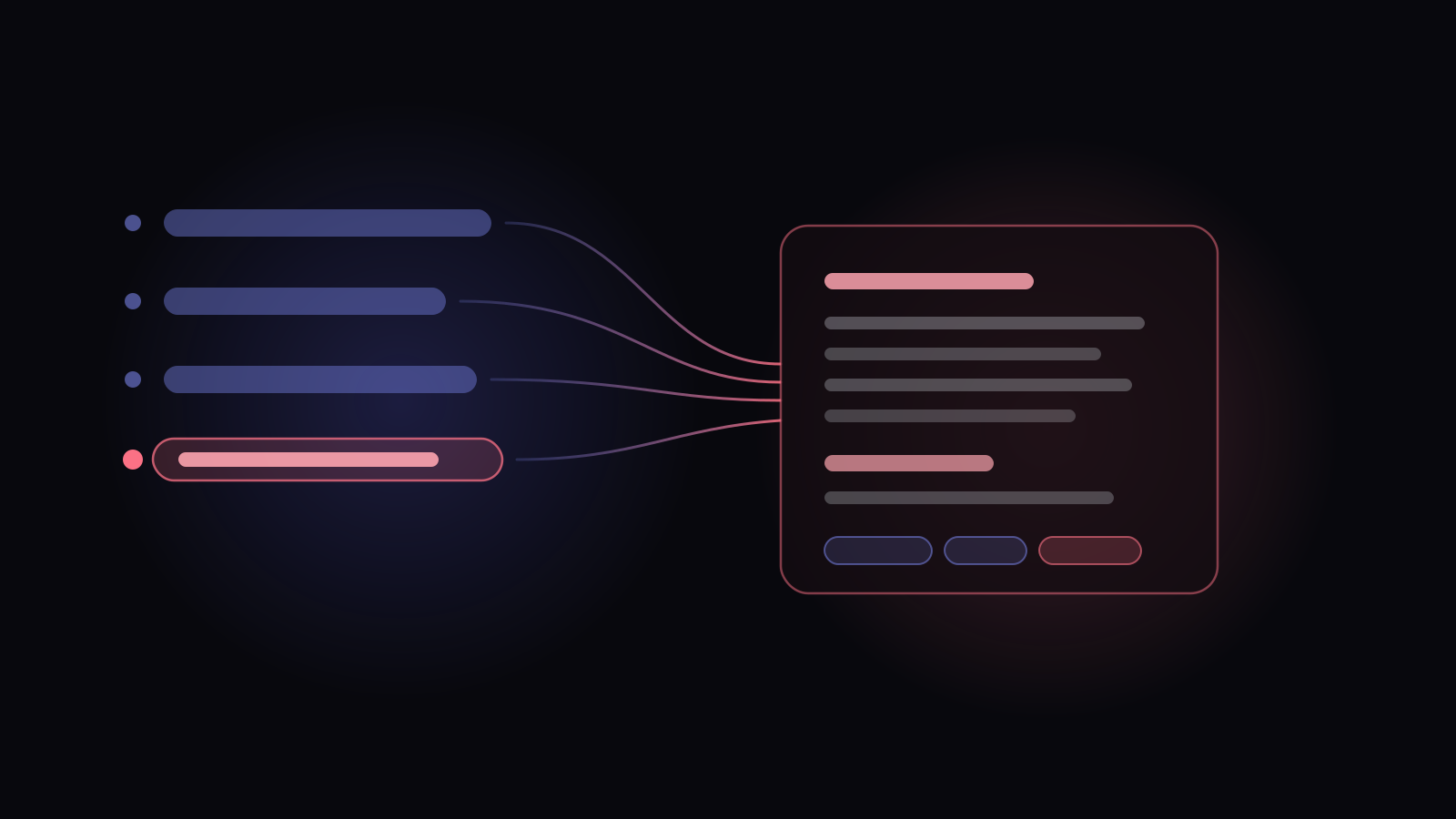
Every step in a run carries an action to raise a defect. When you use it, the description isn’t blank — it’s assembled from the run you’re standing in.
- Open checkout as a guest
- Enter card 4242 4242 4242 4242 dataset value, resolved
- Apply promo code SAVE20 from a shared step, flattened
- Confirm total includes tax origin
It walks the run’s steps from the beginning up to and including the one you’re on and writes them out as Steps to Reproduce, in order. Along the way it does two things that matter more than they sound:
Shared steps get flattened. A step that borrows a shared sequence expands into its actual sub-steps, because “perform the login sequence” is not a reproduction instruction. It’s a reference to one.
Variables get resolved. If the case ran against a dataset, the description shows the values that were actually used — the real account, the real amount — not the placeholders the test case was written with. A developer should never have to work out what a placeholder was bound to.
Then it adds the Expected Result from that step’s expected output, and pushes any files attached to that expected output onto the defect. Priority and severity are inherited from the test case, since a defect on a critical-path test is critical-path news. And the defect is linked to the test case, the run, and the specific step, in one go.
What it doesn’t do
Two honest limits, because this is exactly the kind of feature that gets overclaimed.
It does not automatically attach the evidence on the step. Screenshots and files a tester attached while executing are shown right there and counted in the step header, but they aren’t swept into the defect — the tester picks. Auto- attaching everything sounds helpful and produces defects with eleven irrelevant screenshots.
And there’s no environment field. Browser, OS, build number: if you need those on a defect, they’re a custom field you configure, not something the run supplies. Saying “it captures the environment” would be a nice sentence and a false one.
Available on every step, not just failed ones
One design decision that surprises people: the action isn’t gated on the step having failed.
It’s tempting to gate it. A defect belongs to a failure, surely. But testers file defects from steps that technically passed all the time — the assertion held but the page took nine seconds, the total was right but the currency symbol was wrong, the flow worked but the error message was gibberish. Those are real defects found during a passing step.
Gating the action would mean the tester has to either mark a step failed when it didn’t fail, or leave the run and file from a blank form. Both corrupt something: one the verdict, the other the defect.
So it’s step-scoped, not failure-gated — the step is the address of the observation, not a judgement about it. That distinction also survives a run being locked: even on a completed or automated run where the verdicts refuse to move, raising and linking defects stays wide open, because that’s precisely when triage happens.
The duplicate you don’t file
One more thing sits on top of this, and it’s the part testers notice first.
As you type a title, the form looks for existing defects that describe the same problem and shows them to you — not on save, while you type. Half the time the answer is that this was filed three weeks ago by someone else, and the right move is to add your step to the existing defect rather than open a second one.
A defect that remembers its step makes that link exact. Instead of two vague reports of “checkout is broken”, you get one defect with two reproduction paths attached to two specific steps — which is the difference between a developer guessing and a developer reading.
None of which decides what happens to the defect next. That’s the workflow around it — how many states it needs, who owns it, and why closing one should require a reason.
The best defect report is the one the tester didn’t have to write from memory.
Raising a defect from a step